Activating Your Login Credentials
The first step is to activate your login credentials for Google using your school email address and the temporary password. Upon login, you will be asked to reset your password.
- On your browser go to http://accounts.google.com
- If there is a personal account currently logged in, log out from that account.
Then, click Use another account
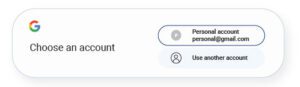
- Enter your icademystudent.com email address and your temporary password.
- Activate your account by accepting the agreement,
- Update your password. Your account is now enabled for Google services including access to the school platform.
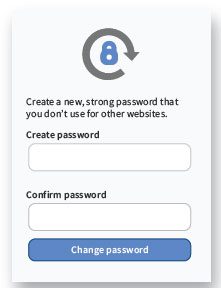
- Open a new tab on your browser and go to vpa.instructure.com to proceed to the online platform.
Download Activating Your Login Credentials Guide (PDF)